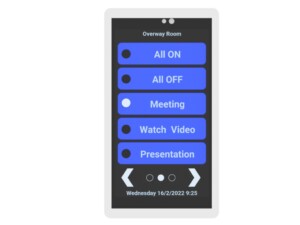
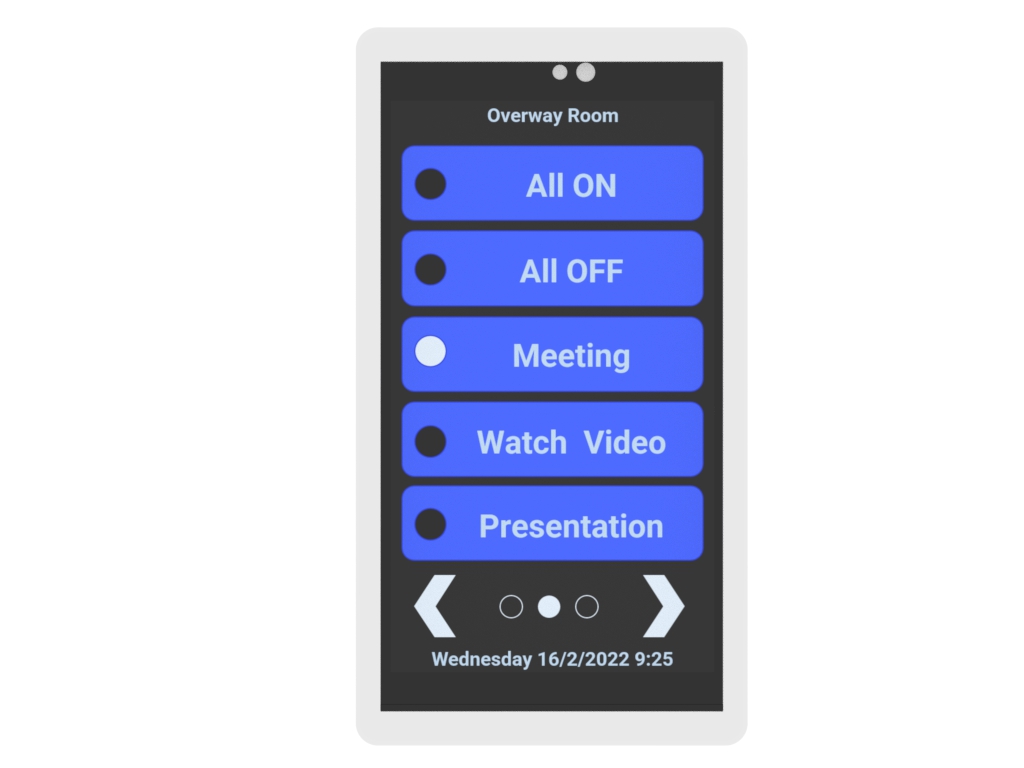
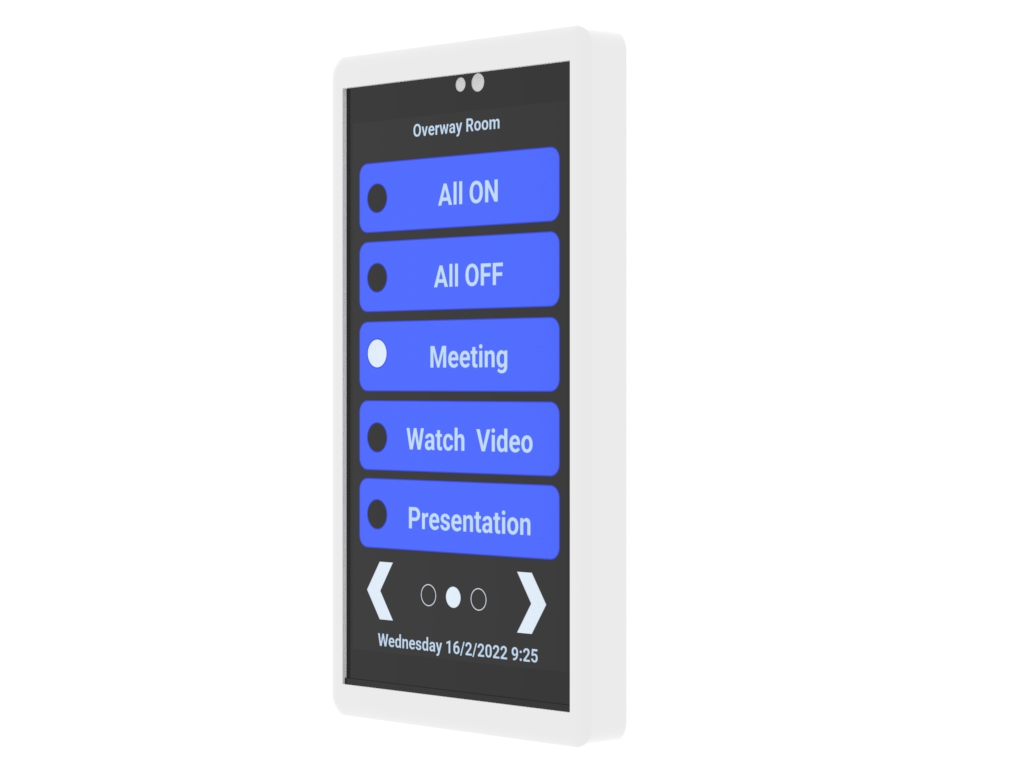
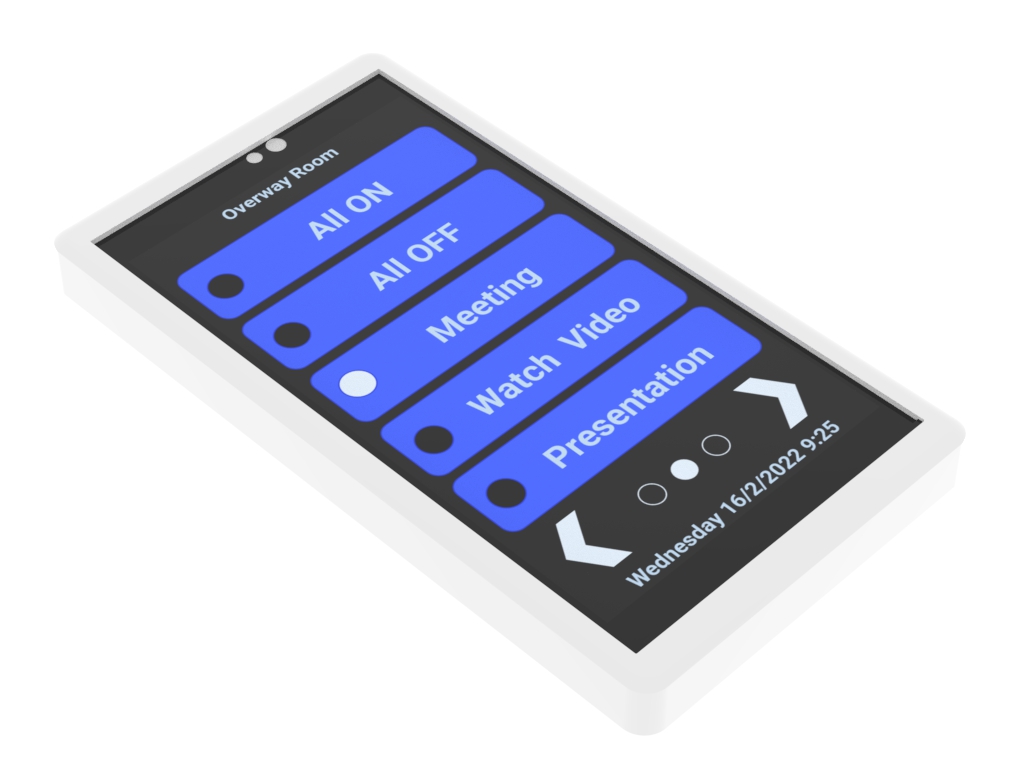
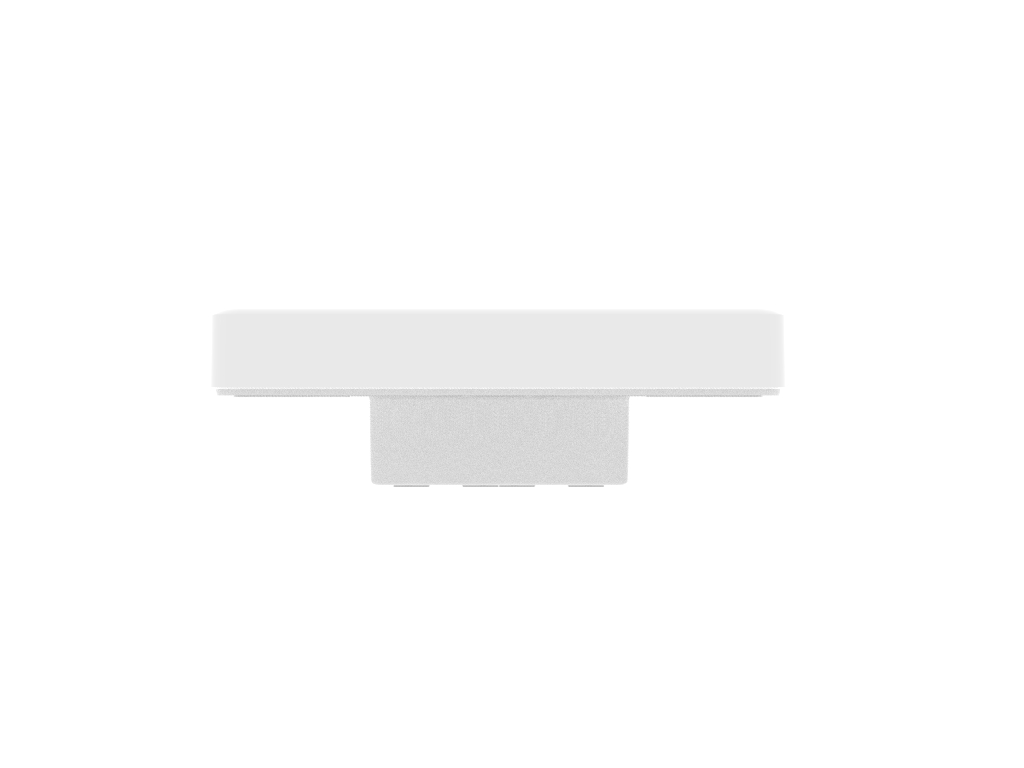
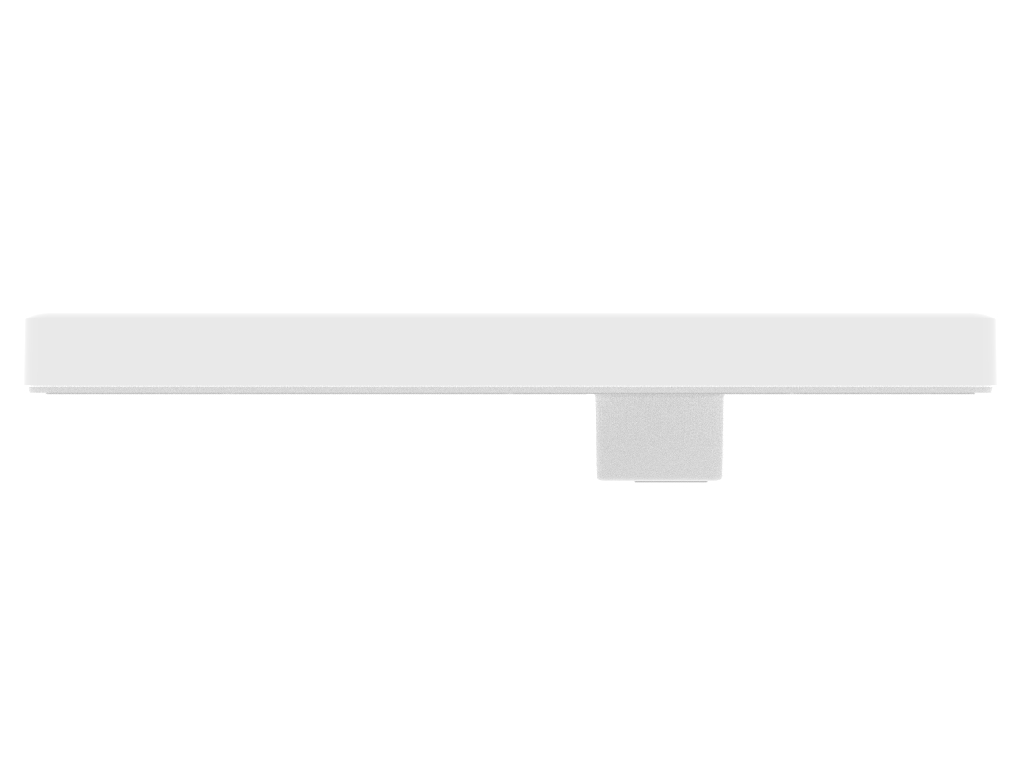
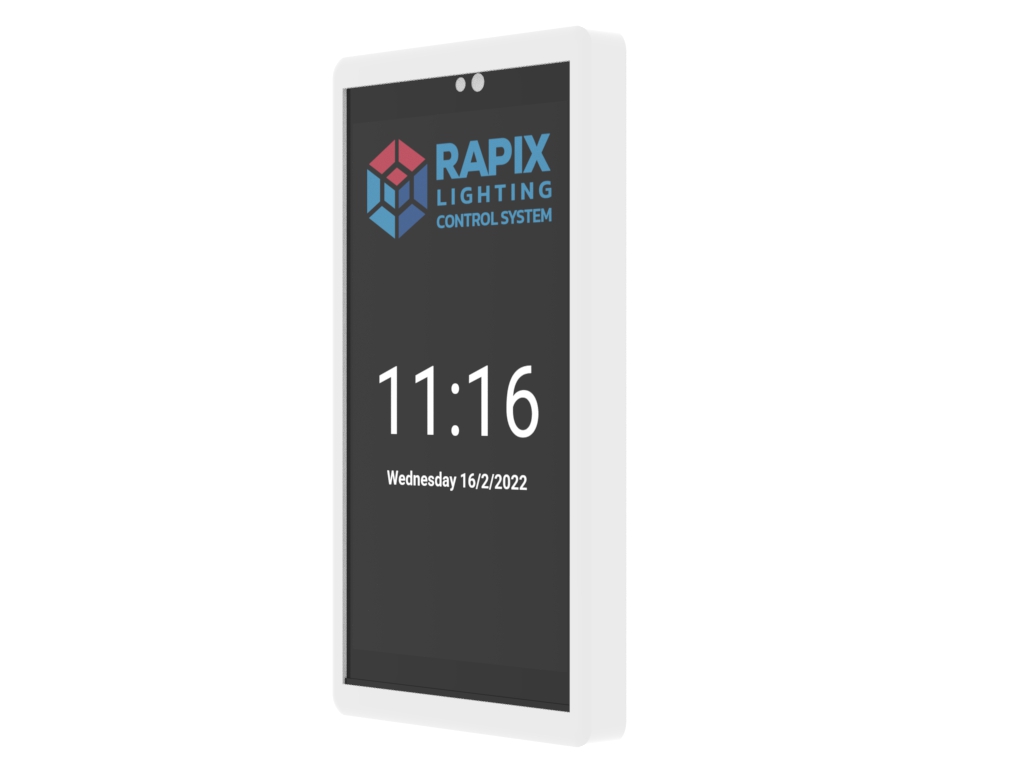
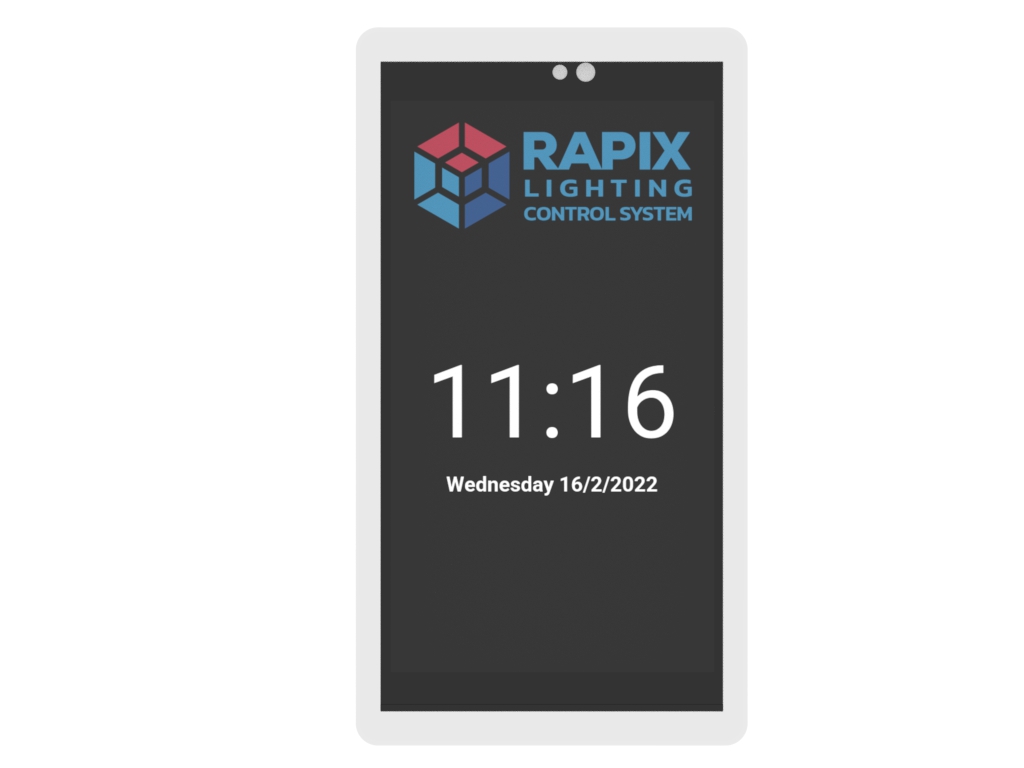
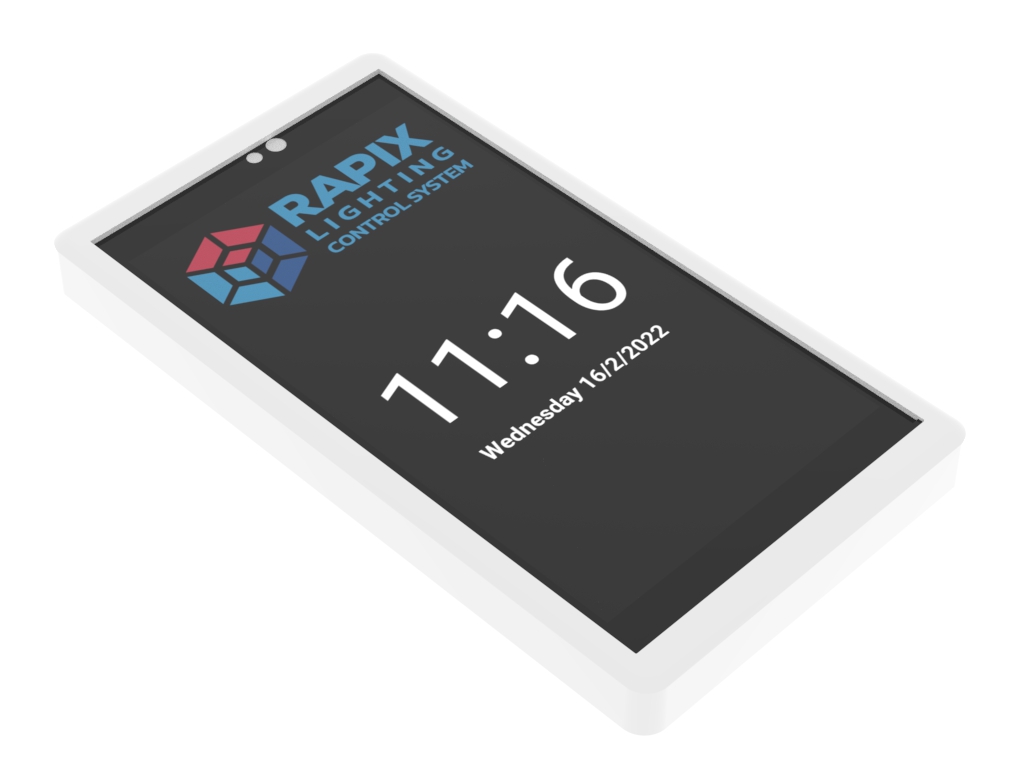
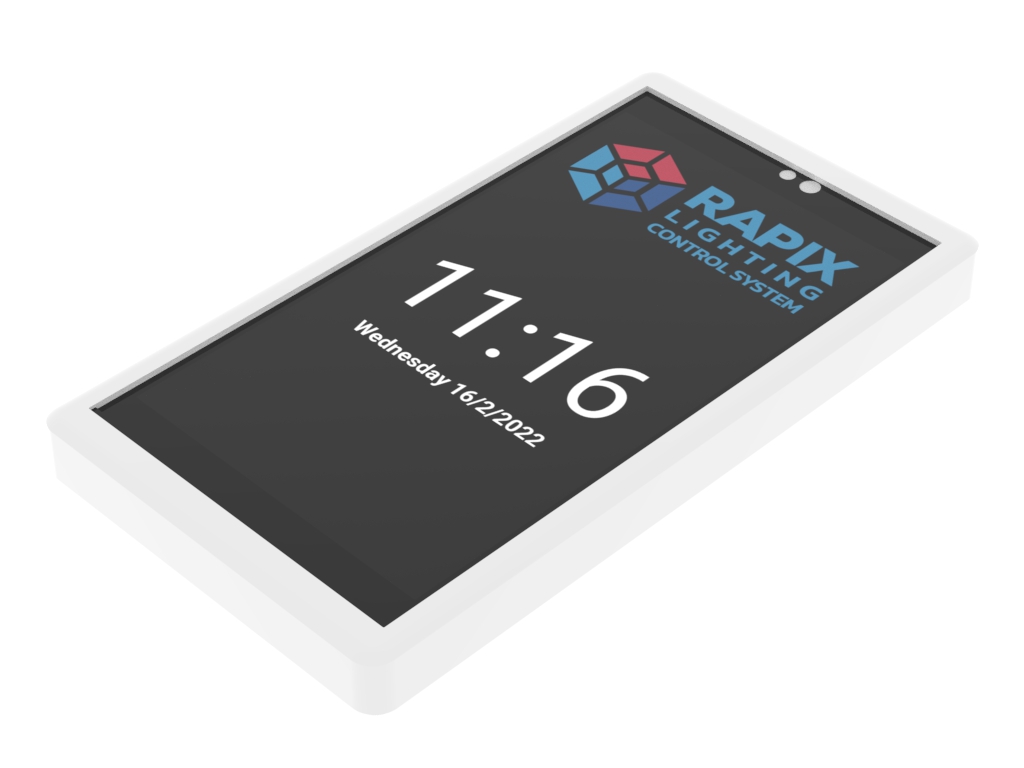
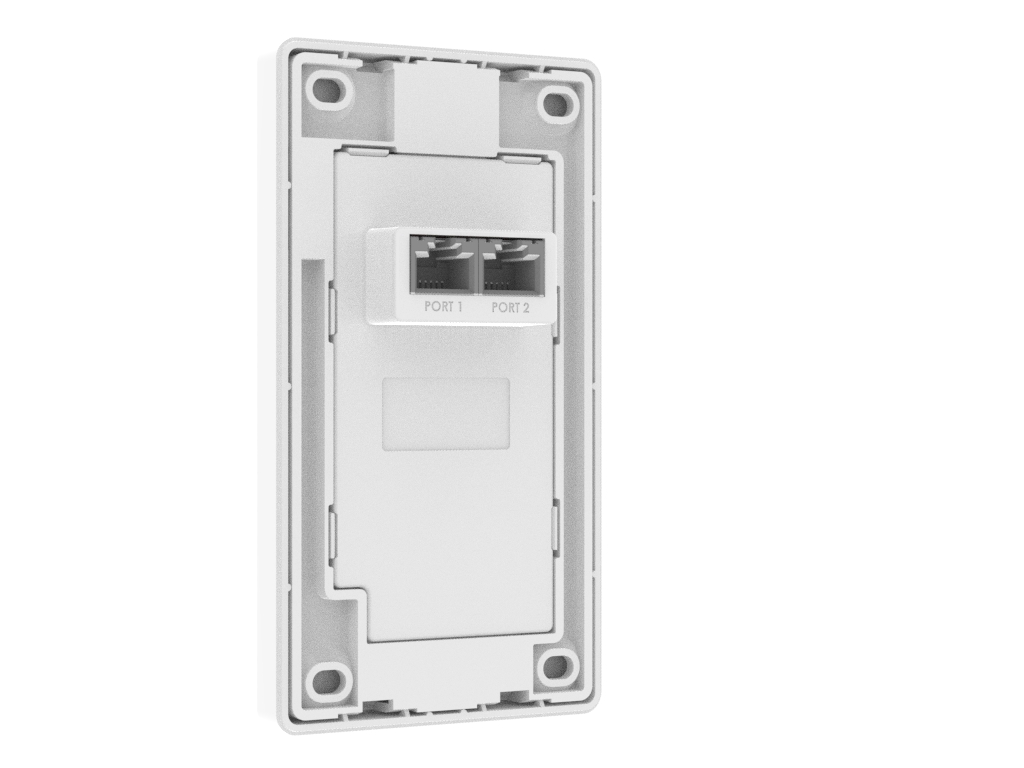
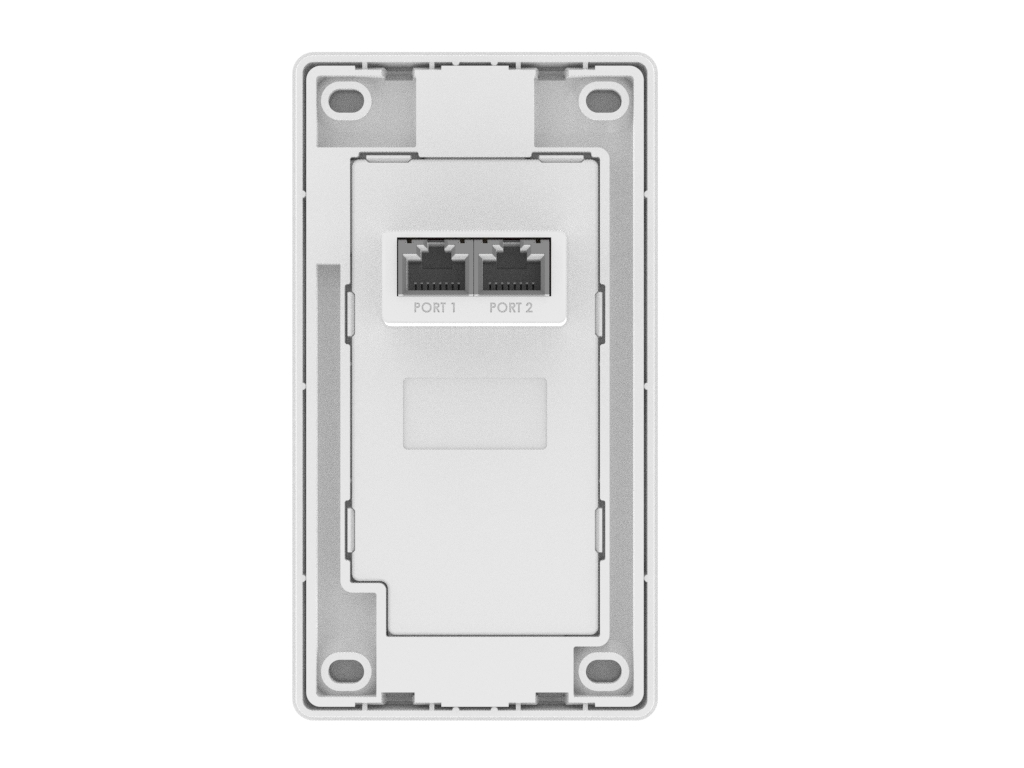
The LCD Touch Switch provides a wall mounted control interface for the RAPIX DALI Lighting Control System. The switch is fully configurable using RAPIX Integrator software, allowing between 1 and 20 touch-based buttons (over 4 pages). Buttons can show descriptive text and a range of graphical interface options are selectable from a collection of themes.
A wide range of button functions are supported through RAPIX Integrator software. For example: push and hold to fade up or down; scene control; timers and many other options.
To enable quick and easy installation, the switch connects directly to a RAPIX DALI eHub smart channel, with no need for a separate power supply connection.
Perfect for all commercial & industrial buildings, education facilities, health care facilities, hotels, art galleries, meeting rooms, and residential buildings.
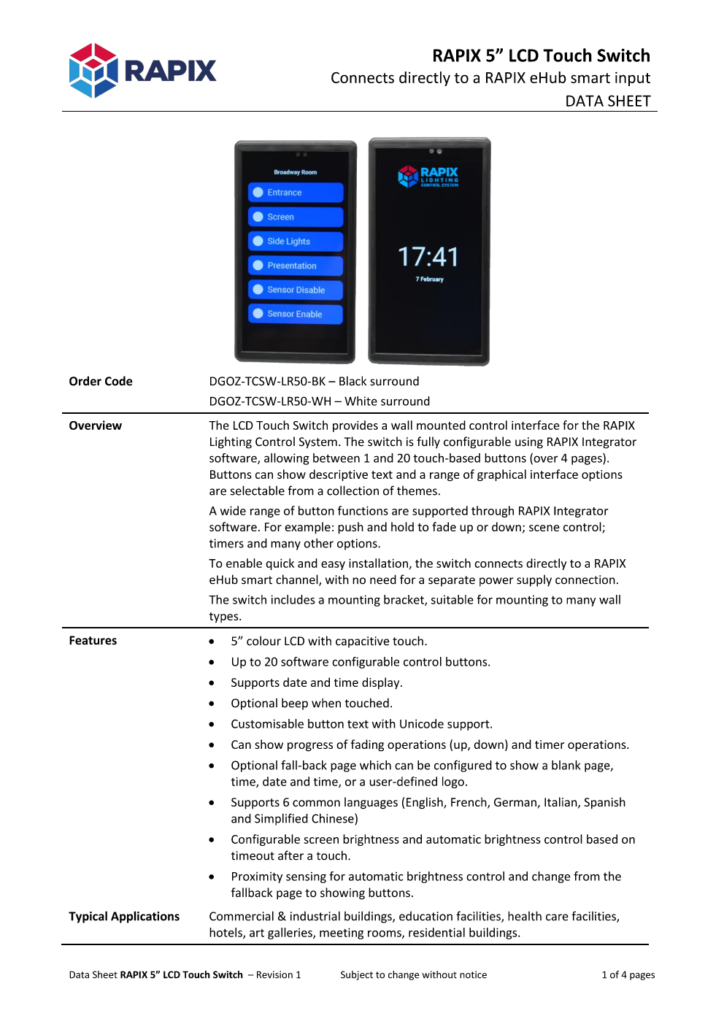
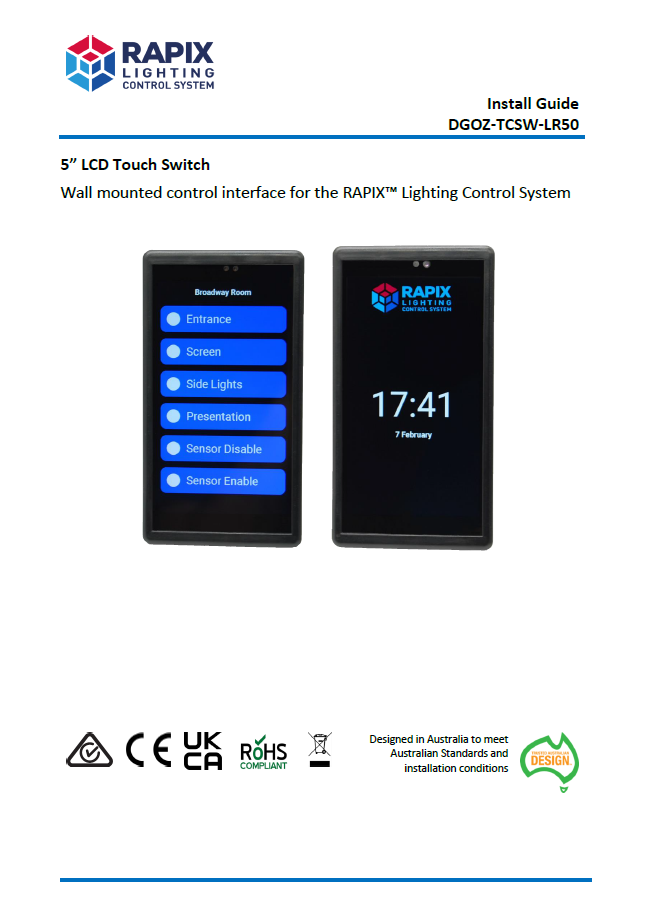
RAPIX Integrator or RAPIX Addressing software can be used to select the language. Language selection is commonly used for display of dates.
Buttons can have any text entered with most Unicode characters being supported.
Where are the settings stored?
All configuration information is stored in the eHub. When the LCD switch is connected, the settings are loaded into the LCD switch. This approach means that the LCD switch can be removed and replaced at any time with no need for re-commissioning.
How does the LCD switch show date and time?
The LCD Switch obtains date / time from the eHub. In order to show date and time, the appropriate date/time settings need to be selected for the LCD switch options when the eHub is set up.
In addition, the eHub needs to be configured for a date / time source. The eHub allows date and time to be obtain from:
When using NTP Server: Any Windows Server can be used. Most Linux machines can also be set up as NTP servers.
When using NTP broadcast: A program is available that allows Windows PCs and Servers to broadcast the date/time over ethernet.
On the LCD switch fallback page: Can I customise the graphical logo that is shown?
YES. Often a little graphical cleanup or manipulation is needed to make a logo look really good.
Please contact us for assistance.